<style>
.main{
}
.main img{
border-radius:10px;
}
.main h1{
text-align: center;
border: none;
color:4B4B4B;
letter-spacing: 3px;
}
.main h6{
text-align:right;
color:#F4AA14;
font-size:18px;
}
.main code{
background-color:#FFF0D1;
padding: 8px 10px;
border-radius: 20px;
margin-right:7px;
}
.main h2{
background-color:#0B8D97;
color:#fff;
width: max-content;
padding: 7px 25px 7px 17px;
border-top-right-radius: 40px;
border-bottom-right-radius: 40px;
border-bottom: none;
margin-top:46px;
margin-bottom: 25px;
}
.main h2 img{
padding-bottom: 4px;
border-radius:0;
}
.main p,li{
font-size: 18px;
line-height: 29px;
letter-spacing: 0.15em;
color:#525252;
}
.main .result{
background-color:#0B8D97;
padding:0.8rem 1rem 1rem 1rem;
border-radius: 10px;
}
.main .result h3{
text-align:center;
color:#fff;
margin-bottom:3rem;
}
.main .result h3 img{
margin-bottom:0.5rem
}
.main .result .pic img{
border: 5px solid #FFFFFF;
}
.main .pic{
text-align:center;
width: 84%;
margin: auto;
margin-top: 2rem;
}
.pic p{
color:#fff;
text-align:left;
font-size:1.8rem;
line-height:4rem
}
</style>
<div class="main">
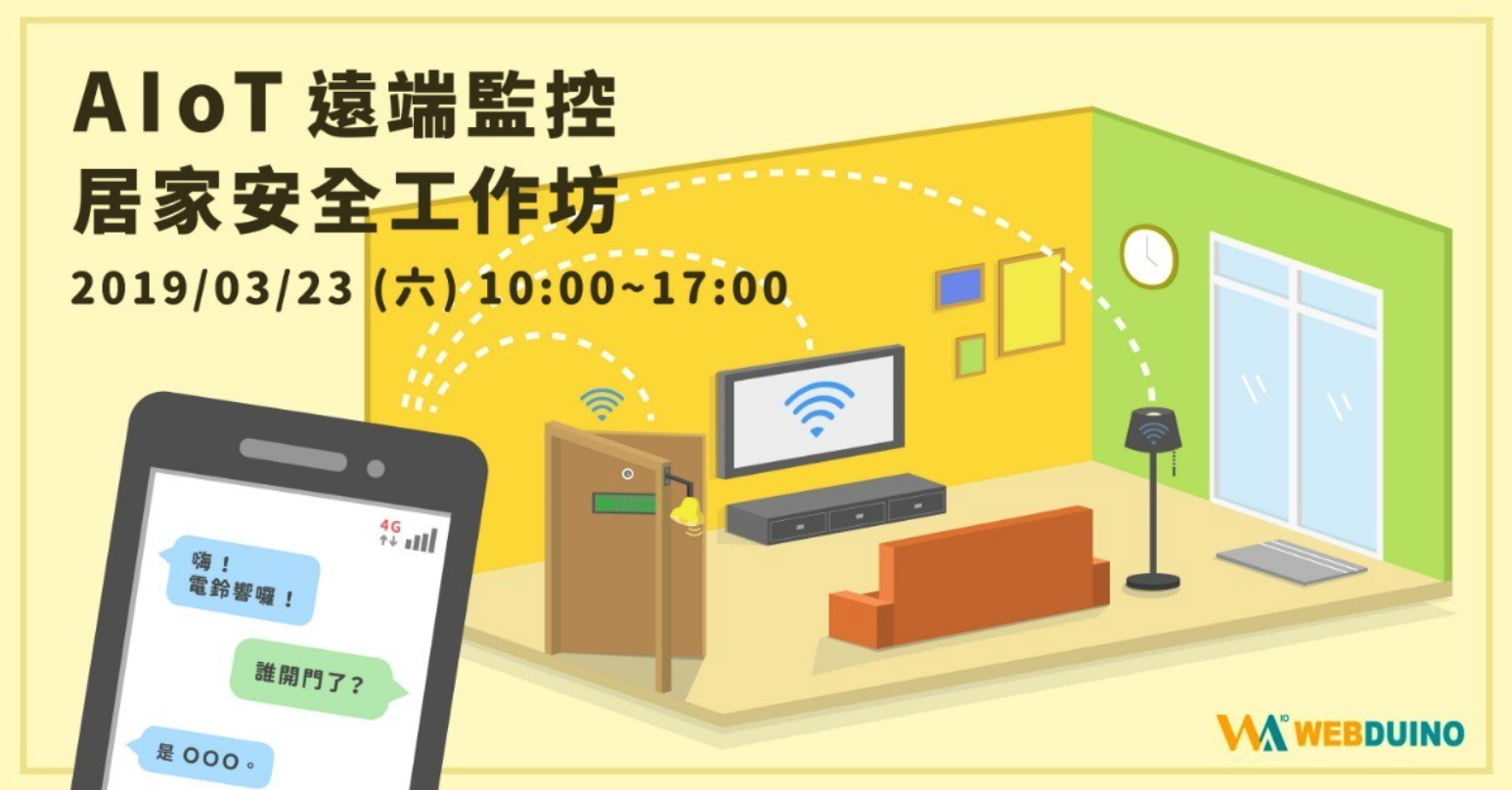
# AIoT 遠端監控居家安全工作坊
###### `進階` 6 小時
##  課程目的
對於 智慧宅 充滿想像又覺得遙不可及嗎?
現在你也能動手做出理想的 智慧宅 哦!
##  課程目標
無論何時、何地,家中的一切都能透過雲端監控 一手掌握 !
現在只要透過 Webduino,六個小時動動手指、敲敲鍵盤,
即可體驗智慧電鈴、遠端監控來者何人等諸多應用。
感到興趣的你,快來報名體驗模擬 智慧家庭 的趣味情境吧!
##  課程內容
- IoT 居家智慧控制
- Webduino 概要
- 語音聲控 LED
- 智慧電鈴
- 遠端操控開關電視
- 自製門禁系統、打卡鐘
- 自由點播 MP3 歌曲
- AIoT 進階實作
- 影像辨識模型 - 影像分類
- 人臉偵測訓練辨識 - 偵測來者何人
- LINE 訊息發送 - 推播通知
##  課前準備
1. 筆記型電腦
2. 智慧型手機
3. 電力滿滿的行動電源
<div class="result">
###  成果展示
<div class="pic">
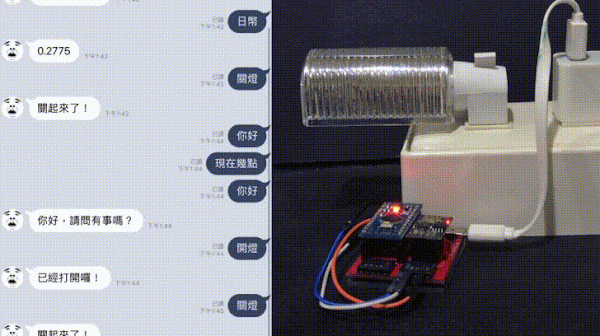
▲ 透過 LINE 發送訊息
</div>
</div>